Thursday, May 28, 2026 |Navi Mumbai
--:-- | --°C | AQI --
If it's not on Unbox Daily HQ, it's not a Launch. Every product, policy and brand launch in India. One hub. What's new?
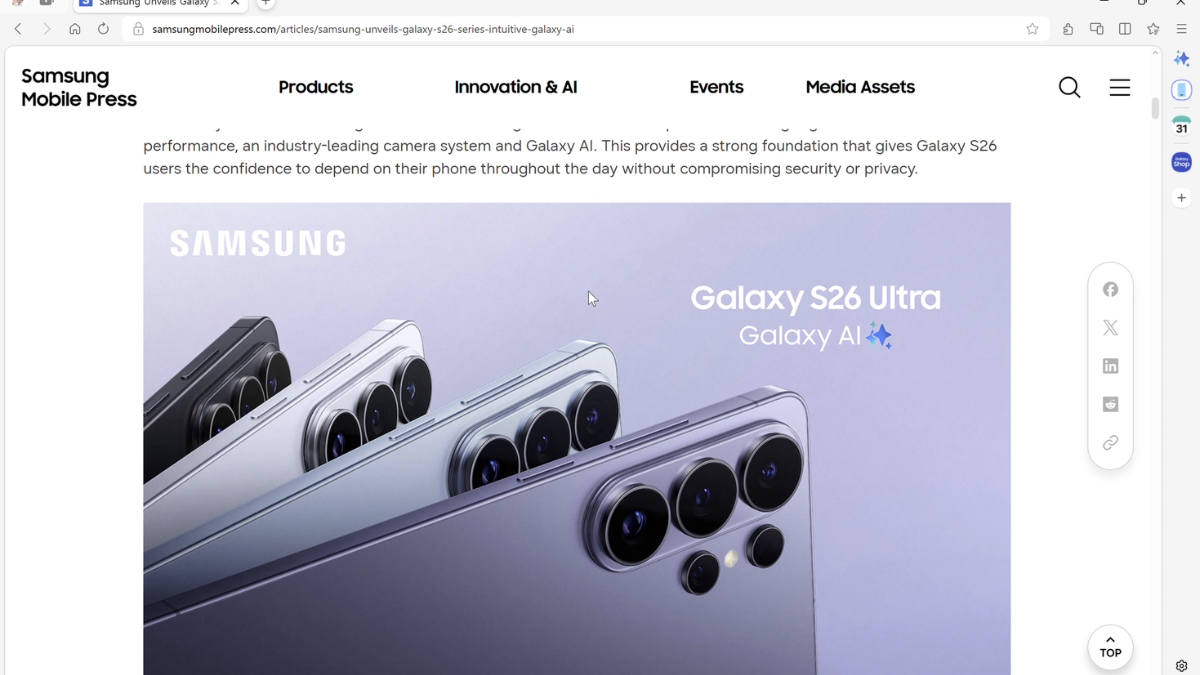
Samsung Electronics has officially launched Samsung Browser for Windows, a move that brings its popular mobile browsing experience to PCs. The update introduces "Agentic AI", a smarter context-aware assistant developed with Perplexity that can manage tabs, search video content, and sync your digital life across devices.
The Essentials
The Pulse
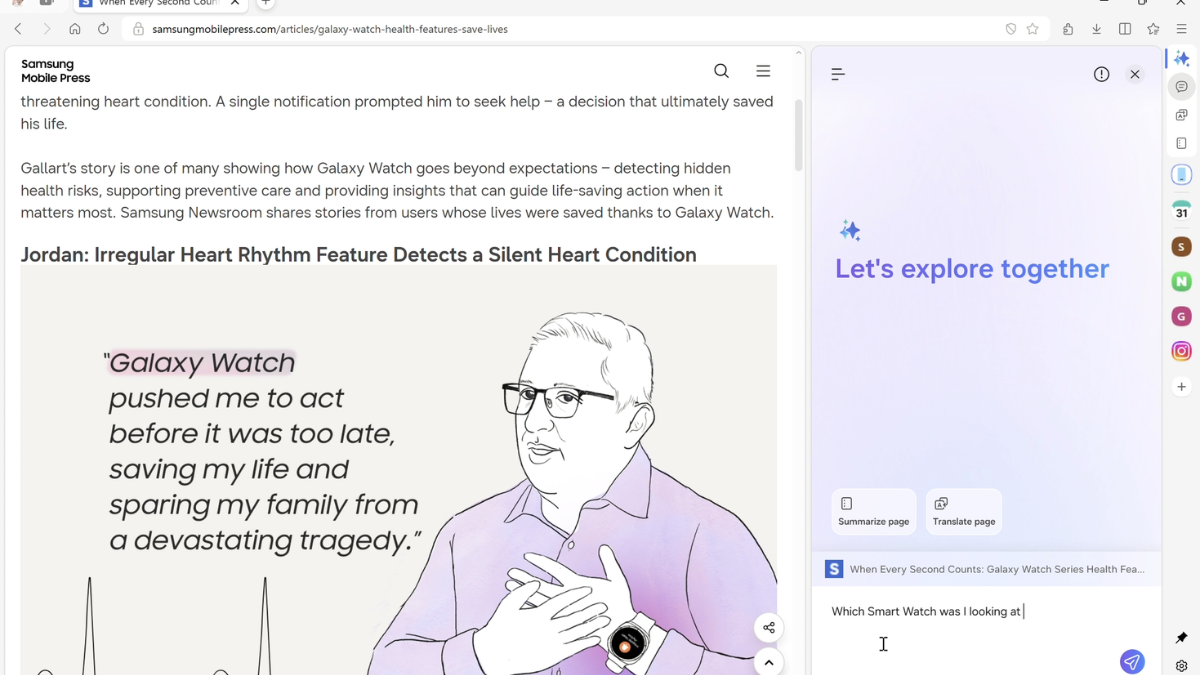
The launch of Samsung Browser for Windows marks a strategic shift from simple synchronization to proactive assistance. The highlight is the Agentic AI, a collaboration with Perplexity designed to understand the “intent” behind your browsing. While traditional browsers wait for you to click and search, this version understands the context of the page you are viewing. If you are looking at a travel blog, you can ask the browser to “create a four-day plan based on this” and it will generate a structured itinerary without you having to copy-paste data into a separate AI tool.
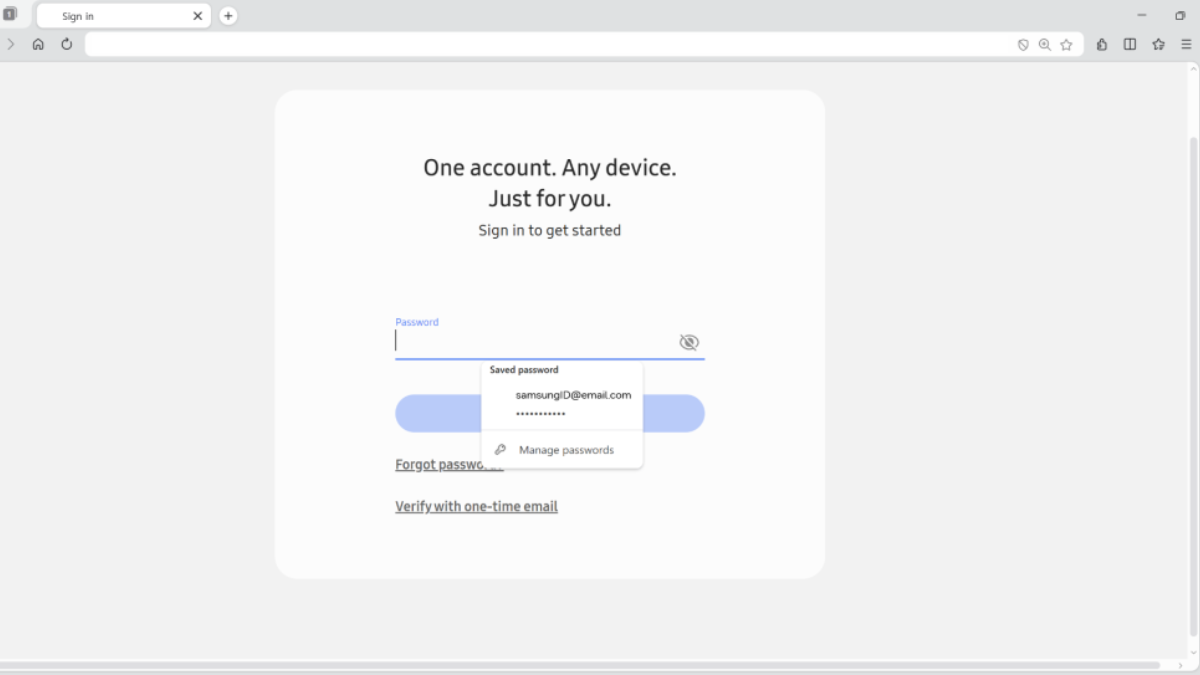
The feature set extends to Multi-tab Context Awareness, allowing the AI to look across all open tabs to compare information or provide summaries, ideal for online shopping or research. Perhaps the most impressive tool is the Intelligent Video Understanding; the browser can “listen” to the context of a video to find a specific timestamp you’re looking for. For security, Samsung Pass is baked into the Windows version, ensuring that your biometric-backed logins and autofill data move with you from your smartphone to your laptop, currently supported on the Galaxy Book series.
The Big Picture
In the global browser wars, Google Chrome remains the undisputed king but the “ecosystem play” is becoming the new battlefield. By bringing its browser to Windows, Samsung is taking a leaf out of Apple’s Safari playbook, but with a more open approach. Globally, browsers are evolving from simple “viewers” into AI Operating Systems. By partnering with Perplexity rather than relying solely on Google, Samsung is offering a high-performance alternative to Microsoft Edge and Chrome, specifically targeting the millions of Galaxy users who want their PC to feel like an extension of their phone.
ⓘ Sponsored: Unbox Daily HQ earns a commission if you buy through these links, at no extra cost to you. Prices shown are subject to change, and the actual price on Amazon at the time of purchase may vary from what is displayed here.
The Inside Intel
While many Indian users might default to Chrome, Samsung Internet has long been praised in tech circles for its superior ad-blocking capabilities and “Video Assistant” on Android. The Windows version is built to maintain that lightweight feel while leveraging the power of Windows 10 and 11 hardware.
The Unboxed Truth
At Unbox Daily HQ, we believe the “Agentic AI” in Samsung’s new browser is the feature we didn’t know we needed. Most of us suffer from “Tab Fatigue” having 40 tabs open and forgetting where we saw that one specific smartwatch. Being able to search your history using natural language like, “Show me that watch I was looking at last Tuesday” is a massive productivity win.
The real value here is the reduction of friction. For a Galaxy user, the ability to put down your phone and pick up the exact same webpage on your PC via the Samsung Continuity Service is a game-changer for workflow. While the AI features are currently rolling out in the US and South Korea first, the foundation is set for an AI-first browsing experience in India very soon. If you own a Galaxy device, this isn’t just another browser; it’s a necessary upgrade to your ecosystem that finally makes your PC and phone talk to each other properly.
The Checkout
The Source
Samsung Global